ATMOSPHERIC TOOLSET
MOOD-SHAPING VISUAL EFFECTS
FOR LIGHTROOM
-
This set presents a comprehensive collection of atmospheric tools for Adobe Lightroom, thoughtfully curated from previous Quest releases and now united within a single, versatile toolkit. Featuring 32 Lightroom tools organized into five distinct categories — Soften, Weather, Sky, Overlay, and Lighting — this collection provides everything you need to craft mood, depth, and drama within your images. Alongside familiar favorites, the set introduces the brand-new Rainfall tool, expanding creative possibilities for shaping atmosphere and emotion across any scene. (BOTH DESKTOP & MOBILE VERSIONS INCLUDED)
-
○ Soften - Bloom
○ Soften - Aether
○ Soften - Lacuna
○ Soften - Dreamy (-Subject)
○ Soften - Atmosphere
○ Weather - Fog
○ Weather - Low MIst 1
○ Weather - Low Mist 2
○ Weather - Rainfall
○ Weather - Snowfall
○ Weather - Snowfall (- Subject)
○ Sky - Dark & Moody
○ Sky - Sunset Enhancer
○ Sky - Sun H
○ Sky - Sun V
○ Overlay - Fireflies 1
○ Overlay - Fireflies 2
○ Overlay - Glimmer 1
○ Overlay - Glimmer 2
○ Overlay - Glimmer 3
○ Overlay - Color Cast 1
○ Overlay - Color Cast 2
○ Overlay - Color Cast 3
○ Overlay - Aurae H
○ Overlay - Aurae V
○ Overlay - Aurae V (- Subject)
○ Lighting - Polar Twilight
○ Lighting - Background Glow
○ Lighting - Naked Flame Small
○ Lighting - Naked Flame Large -
All our preset collections leverage a variety of AI masking tools to expertly enhance both the subject & background of your imagery. These tools allow for targeted adjustments, ensuring each part of the image is optimized for maximum impact. The result is a visually striking image with a professional finish that grabs attention and leaves a lasting impression.
-
All our toolsets come with free updates and support.
Make sure to create an account at checkout to ensure you can take advantage. -
All our preset collections are compatible with the NEWEST current subscription versions of the Adobe Lightroom Classic, Lightroom CC, Lightroom CC mobile, Photoshop/Camera Raw (ACR) apps.
Please ensure your Adobe apps are up to date prior to purchasing, and you can always contact us at support to assist you in verifying compatibility.
After purchase, please refer to our Installation page for guidance on installing your Archipelago Presets.
(Some mask effects & tools will not be fully adjustable in ACR, due to app limitations.)
$120 REGULAR
$60 MEMBER
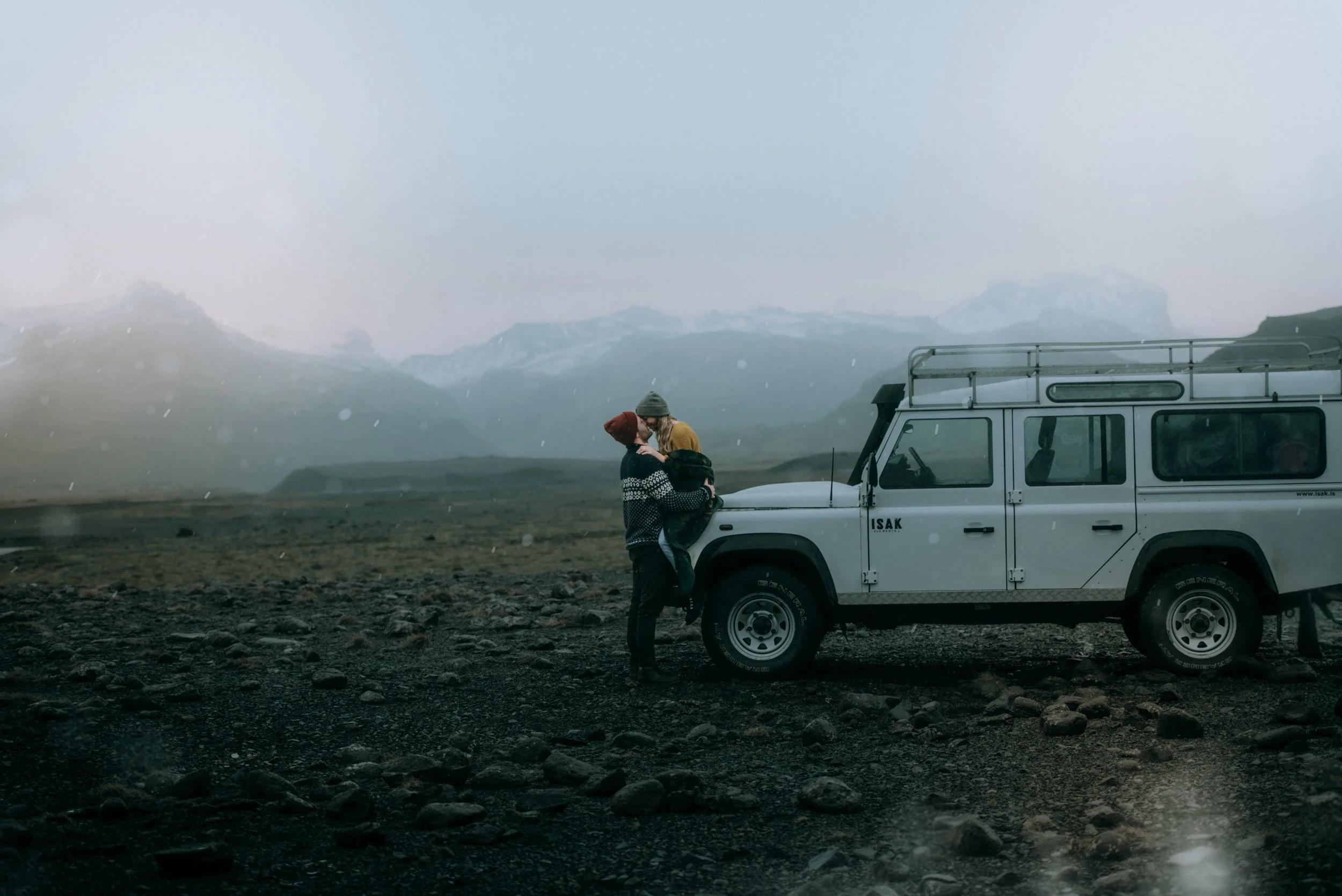
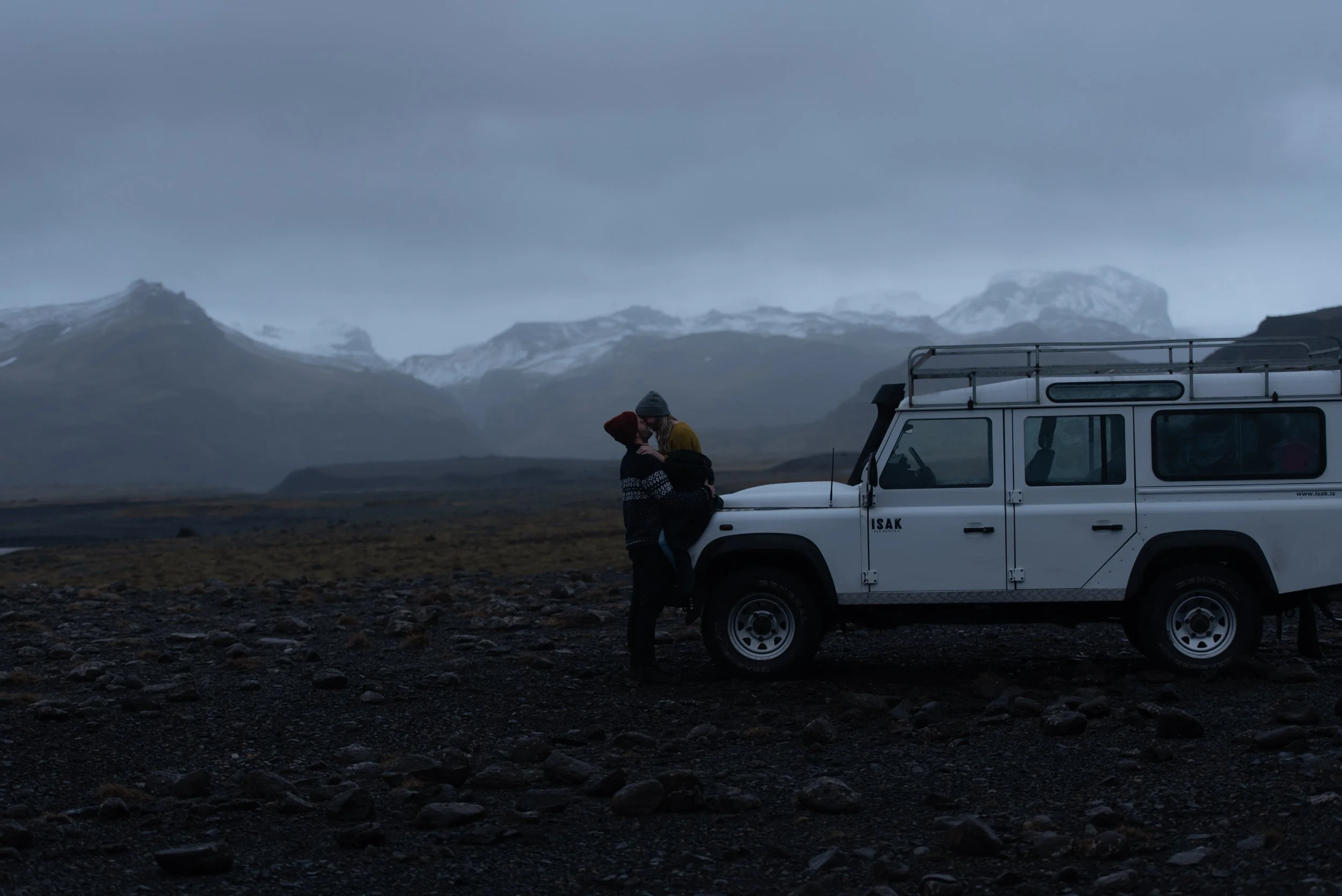
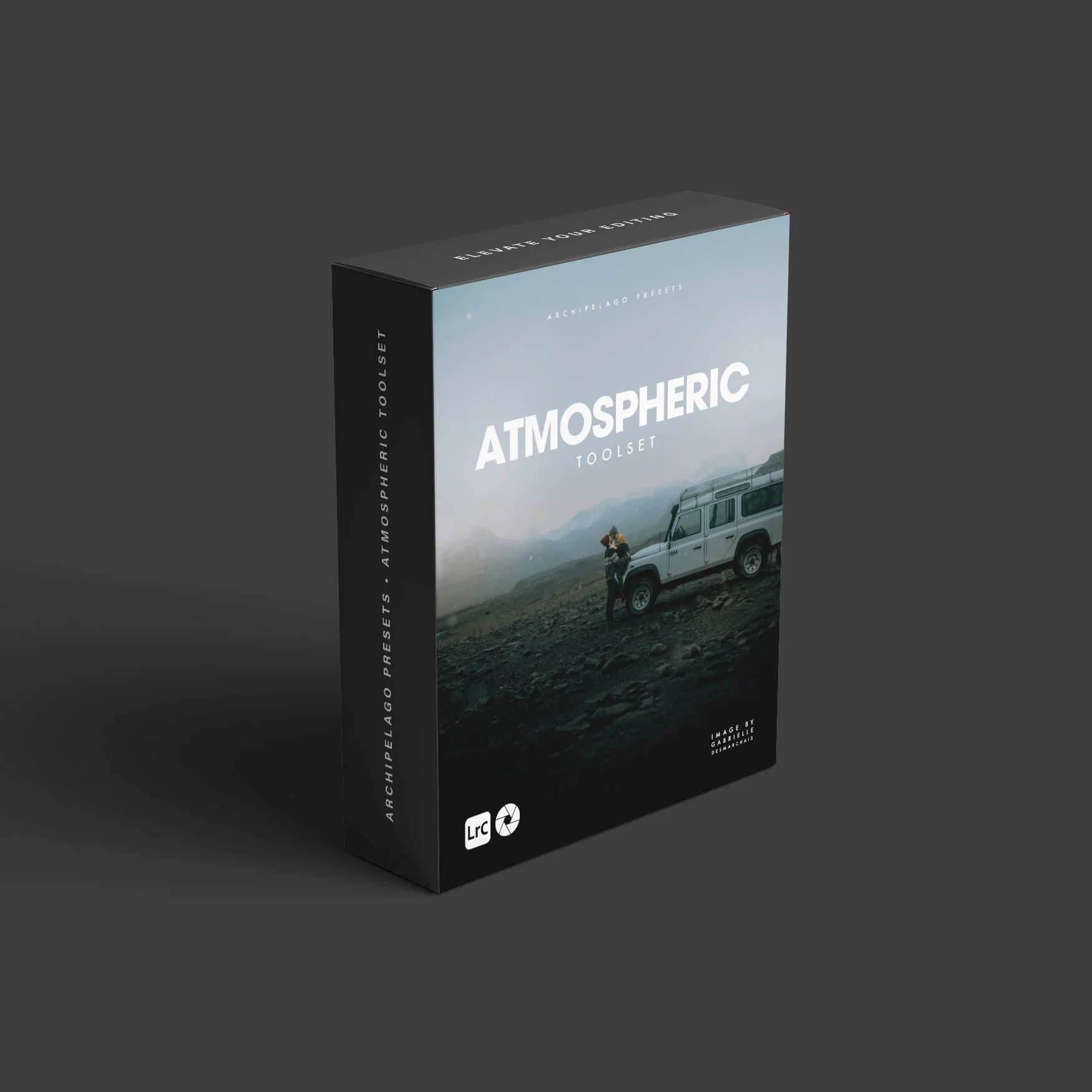
Transform your images with the Atmospheric Lightroom Toolset
A curated suite of tools designed to add weather, light, and cinematic mood to your photos. These Lightroom effects and overlays bring emotion and depth to every frame, enhancing atmosphere without overpowering your original style. From subtle haze to dramatic light play, each tool helps you create evocative, story-driven imagery that feels vivid and alive.
IMAGE BY GABRIELLE DESMARCHAIS


Atmospheric lightroom toolset - Frequently Asked Questions
-
The Atmospheric Toolset is a collection of 32 Lightroom tools designed to transform light, weather, and mood within your images. Curated from past Archipelago Quest releases and refined into one cohesive toolkit, it helps photographers infuse realistic atmosphere, depth, and emotion into any scene.
-
The collection includes five categories — Soften, Weather, Sky, Overlay, and Lighting — featuring tools like Bloom, Fog, Rainfall, Fireflies, and Background Glow. Each one adds immersive visual effects while maintaining the integrity of your original image.
-
Yes! Each Atmospheric Tool applies using Lightroom’s Mask panel, allowing you to move or fine-tune the placement of the effect for perfect control. This flexibility lets you shape light and atmosphere exactly where you want it within the frame.
-
Yes — all tools can be applied and their intensity adjusted in Adobe Camera Raw. However, mask-based effects cannot be moved or repositioned in ACR due to software limitations. For full creative flexibility, we recommend using Adobe Lightroom Classic or Lightroom CC.
-
Yes — both desktop and mobile versions are included, so you can apply and edit atmospheric effects across all Lightroom platforms.
-
Absolutely. You can layer and blend different tools — for example, combining a soft Bloom with a Sunset Enhancer or a Fireflies overlay — to create unique, cinematic results.
-
No. The Atmospheric Toolset is designed for all skill levels. Each tool applies with a single click and can be adjusted easily through the Mask panel, making it quick and intuitive to achieve professional atmospheric effects.
-
Many effects were first introduced through Archipelago Quest, but this collection brings them together in one unified set and introduces the brand-new Rainfall tool, available exclusively here.